Overview
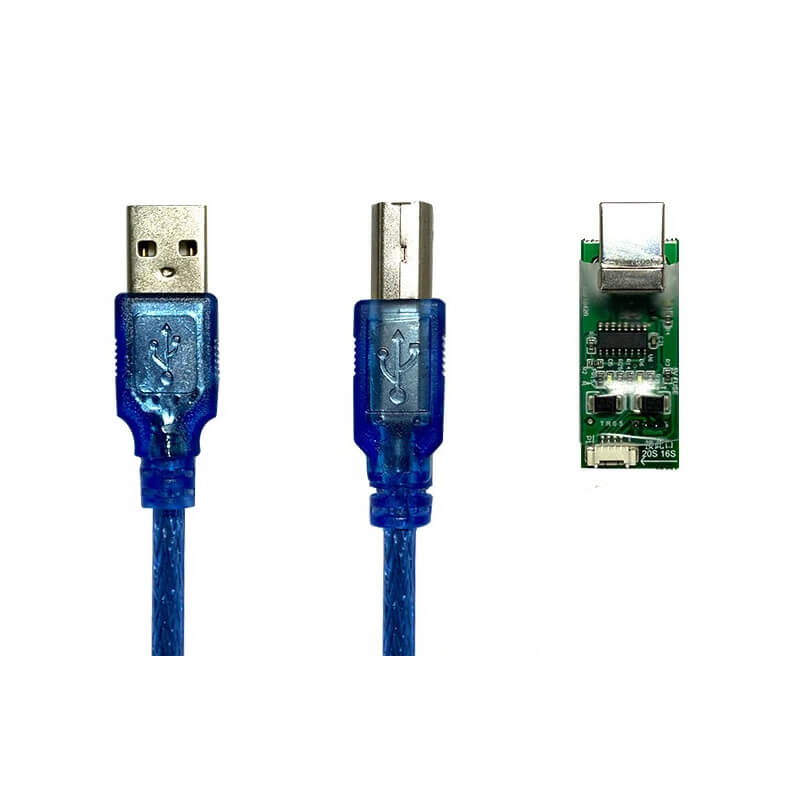
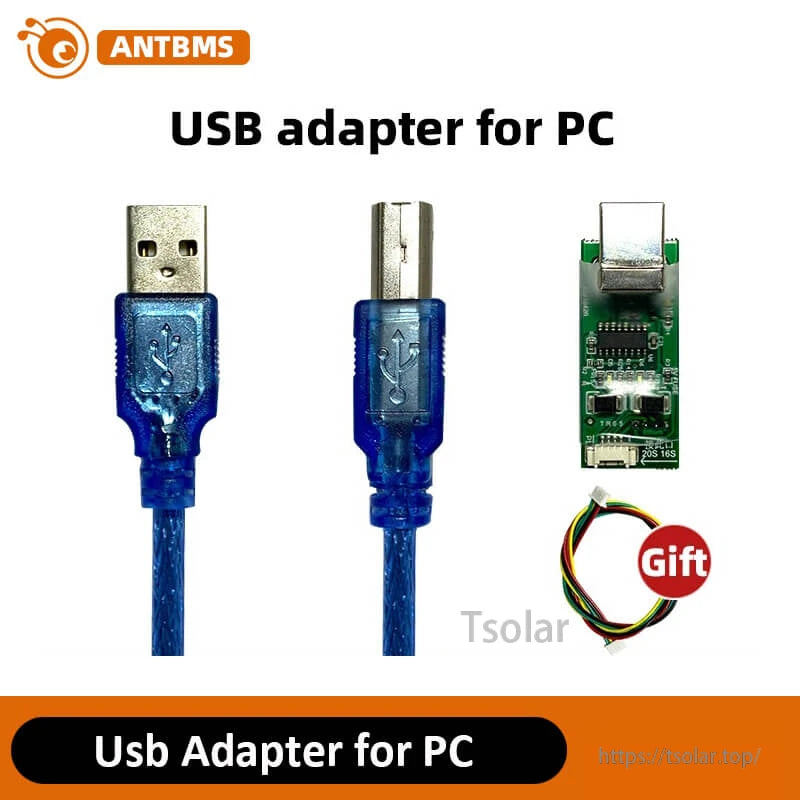
ANT BMS USB Adapter for PC for connecting an ANT Smart BMS to a computer for data communication and parameter configuration.
Description
This USB adapter is used to connect an ANT Smart BMS to a PC. Because the wiring ports of different BMS versions are not the same, select the correct adapter/cable according to the BMS model. If the BMS model is unknown, open the ANTBMS app and find H_Version on the State page.
For pre-sales compatibility questions, contact support at https://tsolar.top/ or service@tsolar.top.
Visible Labels & PC Software Interface Text
Device label
- ANT SMART BMS
ANTBMS PC software tabs shown
- State
- ParameterConfig
- Control
- SystemInfo
- Port
- Log
- Language
- GPRS Info
- ProductData
- AboutUs
- OthreFun
Example status fields shown (screen capture)
- BatState: Static
- CHGMOS: ON
- DisMOS: ON
- Bal. State: OFF
- DSV: ON
- PackVo: 15.8V
- Current: 0.0A
- Power: 0W
- MOS: 32C
- ConnectionState: Connected
- Current Lv: 5
- CellType: Li-ion
Example cell voltage entries shown (screen capture)
- Bat ID 01: 3.961V
- Bat ID 02: 3.962V
- Bat ID 04: 3.956V
- Multiple other channels display: Noconnect...
Details
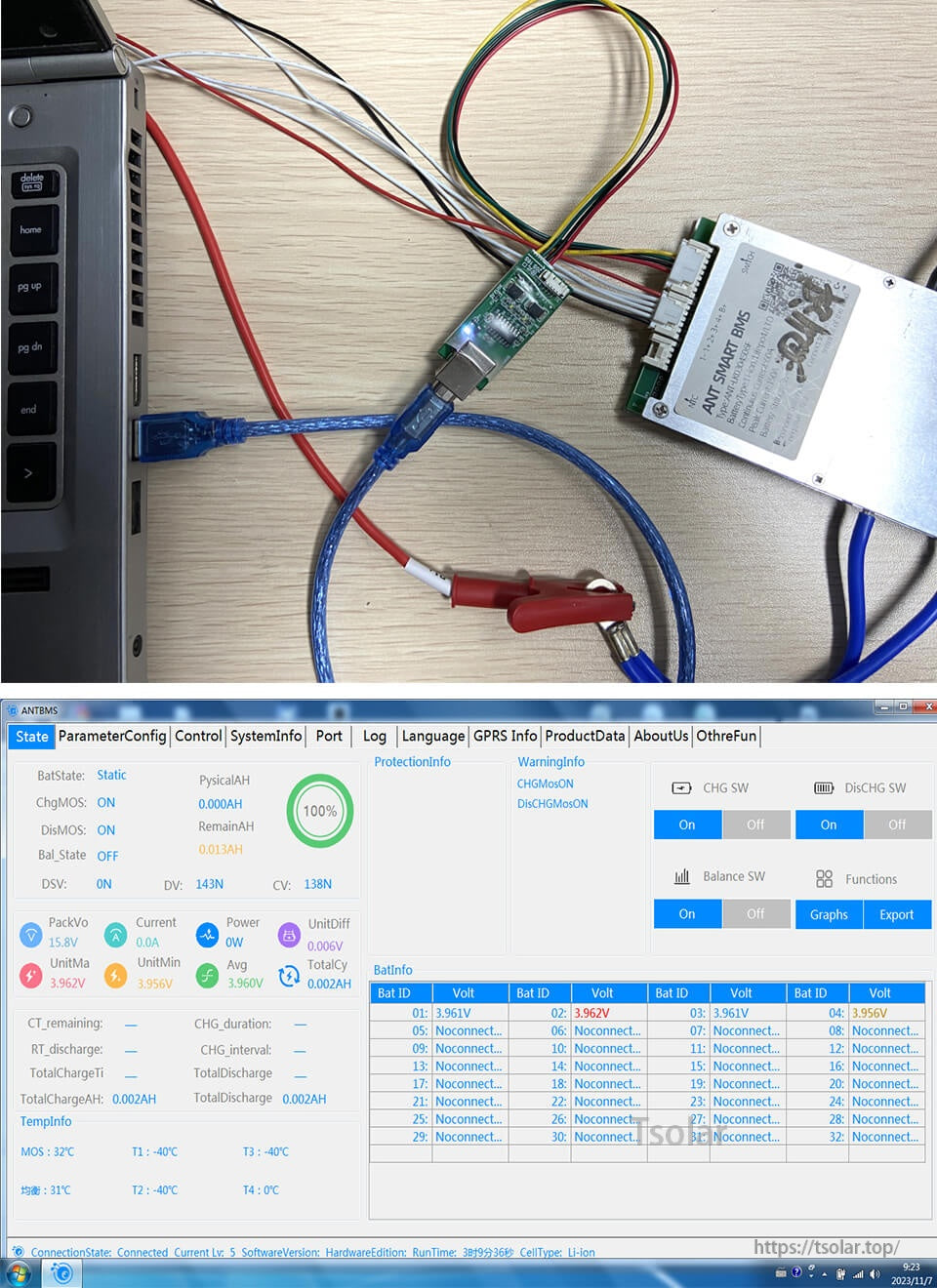
Connect the ANT Smart BMS to a computer for data communication and parameter configuration using the ANTBMS PC software.