Manuals
Overview
The EPEVER Tracer4210AN is a 40A MPPT solar charge controller with negative grounding design for 12/24VDC systems (auto work). It supports lithium and lead-acid batteries and can be paired with the MT50 remote meter and a remote temperature sensor for monitoring and temperature sensing.
Key Features
- Advanced MPPT control algorithm; MPPT charge efficiency > 99%.
- MPPT tracking efficiency up to 99.5%.
- Maximum charge conversion efficiency up to 98%.
- Negative grounding design.
- Supports lead-acid and lithium-ion batteries (including LiFePO4).
- Multiple load work modes.
- Charging power and current limitation.
- High-temperature charging power derating function (power reduction mode turns on when internal temperature reaches 81C).
- Standard Modbus communication protocol with RS485 interface.
- Real-time energy statistics.
- MT50 remote meter can display operational data and working status of the connected MPPT controller (compatible with Tracer A(N), TRIRON N, Tracer BN, VSxxxxBN series; not compatible with RN series).
For setup, compatibility, and after-sales support, contact https://tsolar.top/ or service@tsolar.top.
Specifications
Tracer4210AN (Controller)
| Nominal system voltage | 12/24VDC auto work |
| Rated charge current | 40A |
| Rated discharge current | 40A |
| Battery input voltage range | 8-32V |
| Max. PV open circuit voltage | 100V (at minimum operating environment temperature); 92V (at 25C environment temperature) |
| MPP voltage range | V(BAT)+2V to 72V |
| Max. PV input power | 520W (12V battery) and 1040W (24V battery) |
| Power terminals | #6 AWG (16mm2) |
MT50 Remote Meter
| Faceplate dimension | 98 x 98 mm (3.86 x 3.86 inch) |
| Frame dimension | 114 x 114 mm (4.49 x 4.49 inch) |
| Connector type | RJ45 |
| Meter cable | Standard 2 m; max 50 m |
| Ambient temperature | -20C to +70C (-4F to 158F) |
Whats Included
- EPEVER Tracer4210AN MPPT solar charge controller (built-in LCD displays basic system data; buttons can only change battery type and load mode)
- MT50 remote meter
- Remote temperature sensor (RTS)
Lithium Battery Charging Notes
- When a lithium-ion battery is used, the system voltage cannot be identified automatically; confirm battery system voltage before installation.
- When lithium battery is selected as battery type, the temperature compensate coefficient is 0 and cannot be changed.
- The controller can work under full load in the ambient temperature range; when internal temperature reaches 81C, power reduction mode turns on.
- Lithium battery type can only be set using a cellphone app or Solar Station Monitor PC software.
Connection / Wiring Notes
- Connect in order: 1) battery -> 2) load -> 3) PV array. Disconnect in reverse order: 3 -> 2 -> 1.
- Never connect the solar panel array to the controller without/before a battery.
- Battery must be connected first.
- Do not connect any inverter, wind/alternator, or charger into the charge controller.
- If the remote temperature sensor is not connected, the default setting for battery charging/discharging temperature is 25C without temperature compensation.
- Wire size guidance is for reference; longer distances may require larger wires to reduce voltage drop.
Programming for Lithium Battery
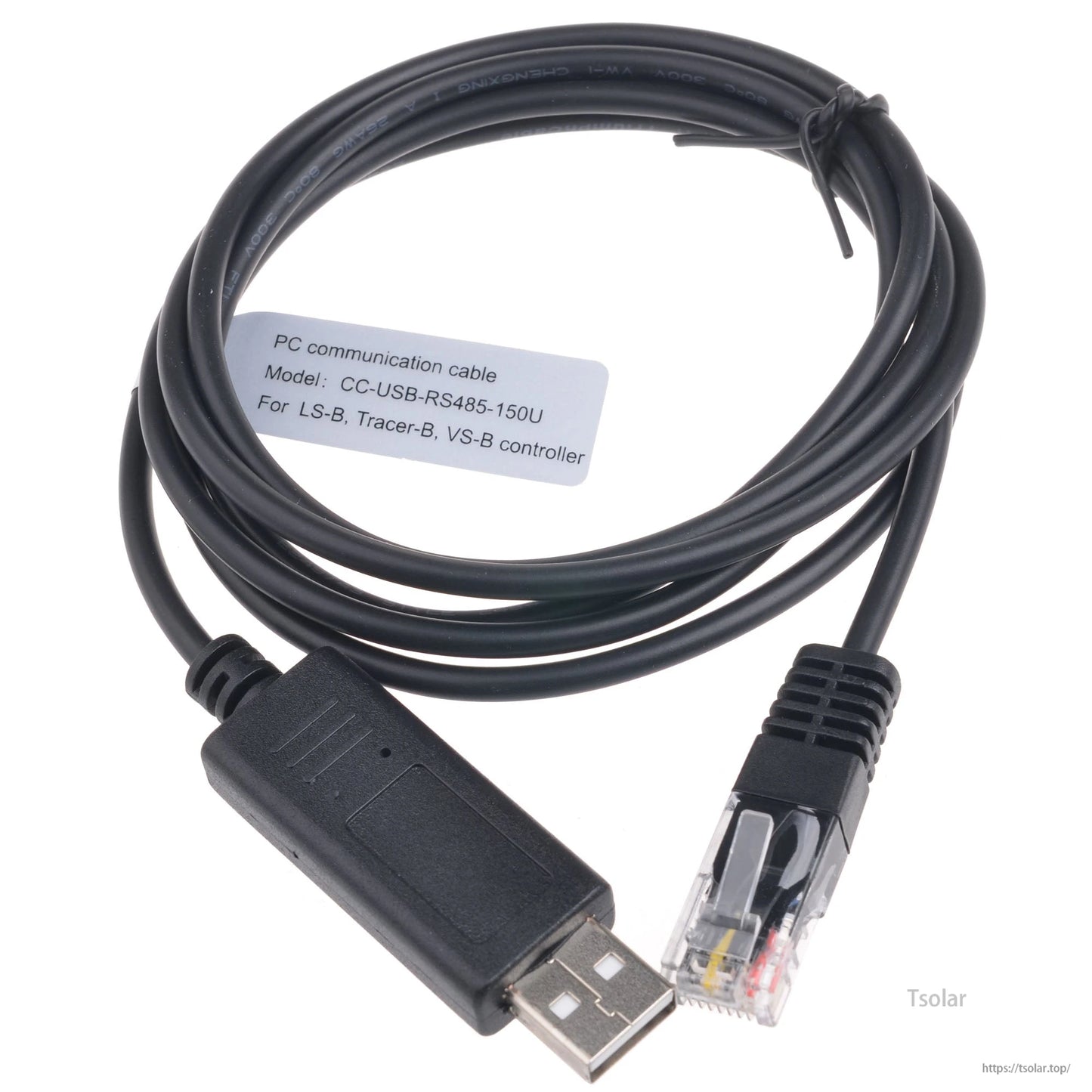
- Via PC (accessories needed: RS485)
- Via phone app (accessories needed: Ebox-Wifi or Ebox-Blue)
Video
Details

The EPEVER MPPT solar charge controller supports SolarEpic-branded systems for solar charging setups.
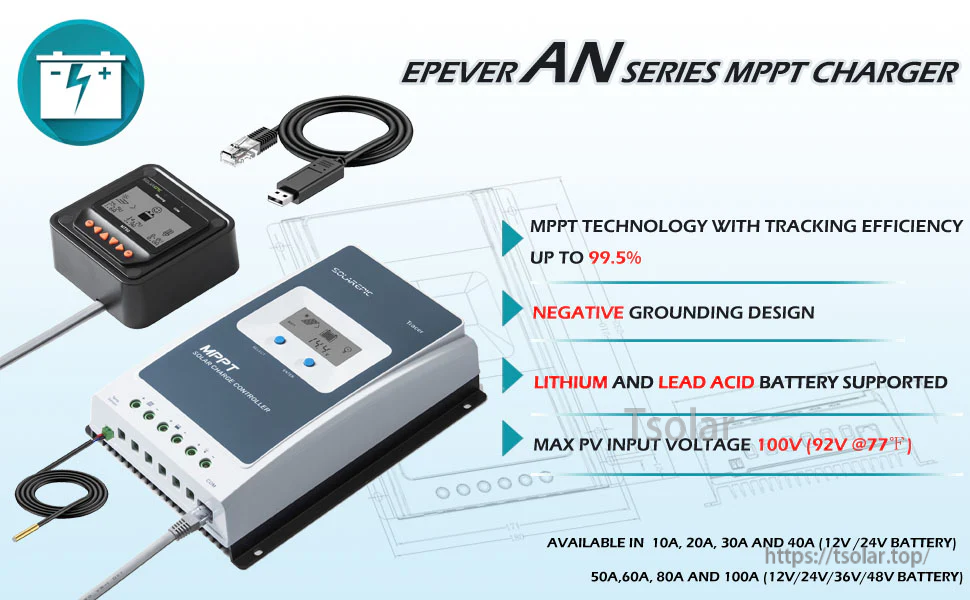
The EPEVER AN Series MPPT charger pairs the controller with an MT50 display and highlights up to 100V PV input with support for lithium and lead-acid batteries.
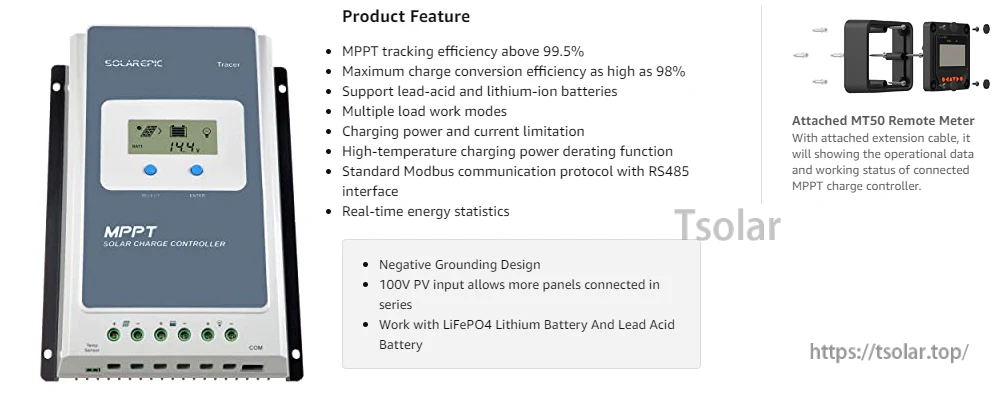
The Tracer4210AN MPPT controller includes an LCD front panel and an MT50 remote meter for monitoring charging and energy statistics.
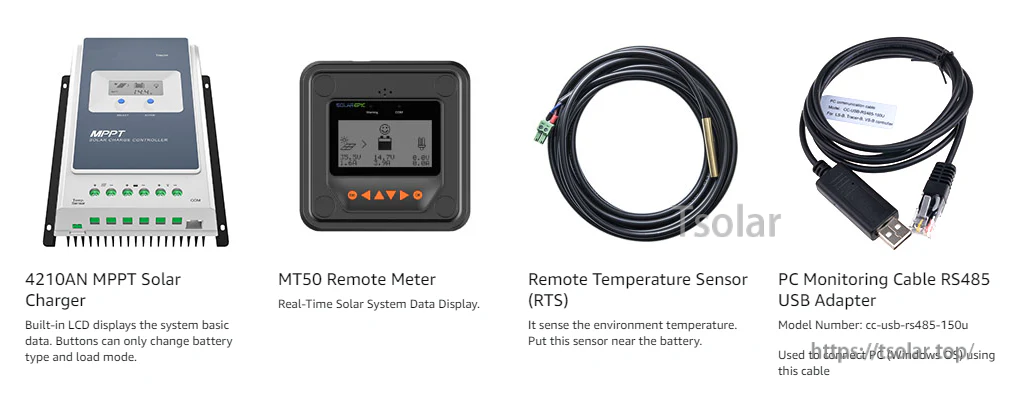
The Tracer4210AN MPPT controller comes with an MT50 remote meter, RTS temperature sensor, and an RS485-to-USB monitoring cable for system setup and monitoring.
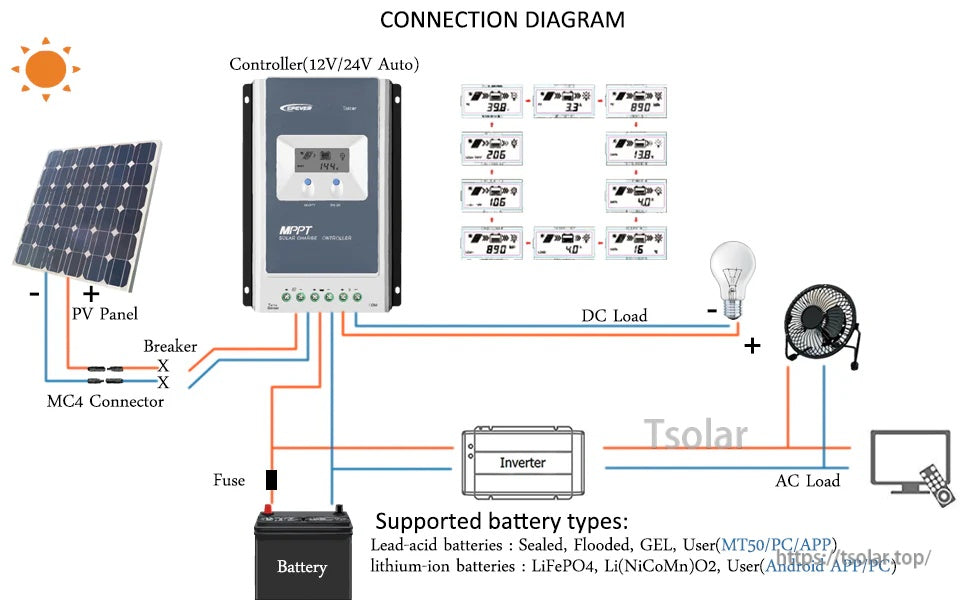
The connection diagram lays out typical wiring from the PV panel through a breaker and fuse to the controller, battery, and DC/AC loads via an inverter.