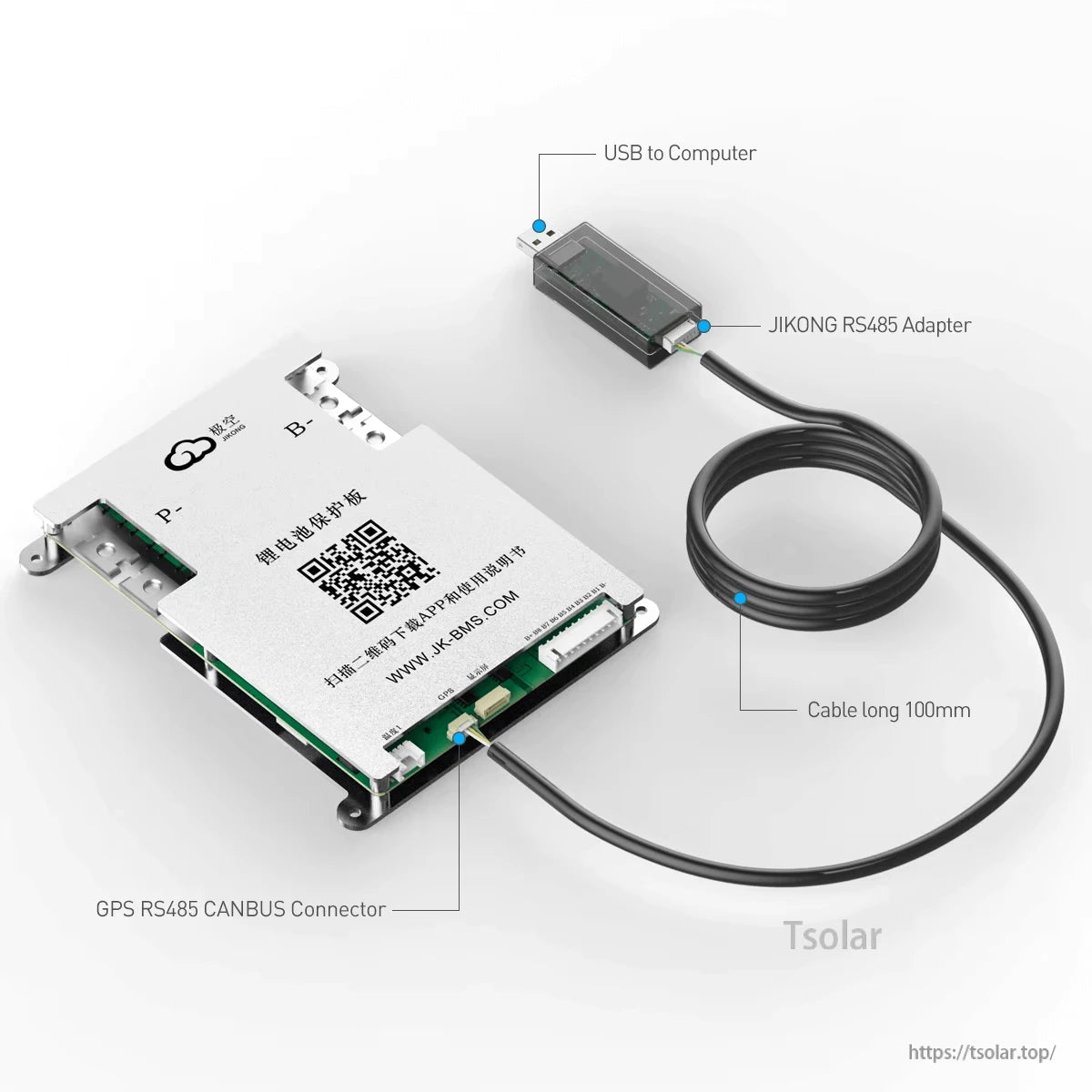
Overview
The JIKONG JK17 USB-TTL cable (RS485 to USB) adapter is a short 100mm connection accessory used to link a compatible JKBMS/JIKONG BMS RS485 interface to a computer via USB for communication and data access. It is labeled for use between “USB to Computer” and the “GPS RS485 CANBUS Connector” on compatible hardware.
Key Features
- RS485 to USB adapter cable for computer connection (“USB to Computer”)
- Labeled “JIKONG RS485 Adapter”
- Designed to connect to a “GPS RS485 CANBUS Connector” on compatible JIKONG/JKBMS hardware
- Short cable length: 100mm
Specifications
| Brand | JIKONG |
| Model | JK17 |
| Product type | USB-TTL cable (RS485 to USB) adapter |
| Cable length | 100mm |
| Computer side (label) | USB to Computer |
| Adapter label | JIKONG RS485 Adapter |
| BMS-side connection (label) | GPS RS485 CANBUS Connector |
| Additional information (from source) | JKBMS RS485 CAN Module for JIKONG BMS; BMS: JIKONG P-Link-CR |
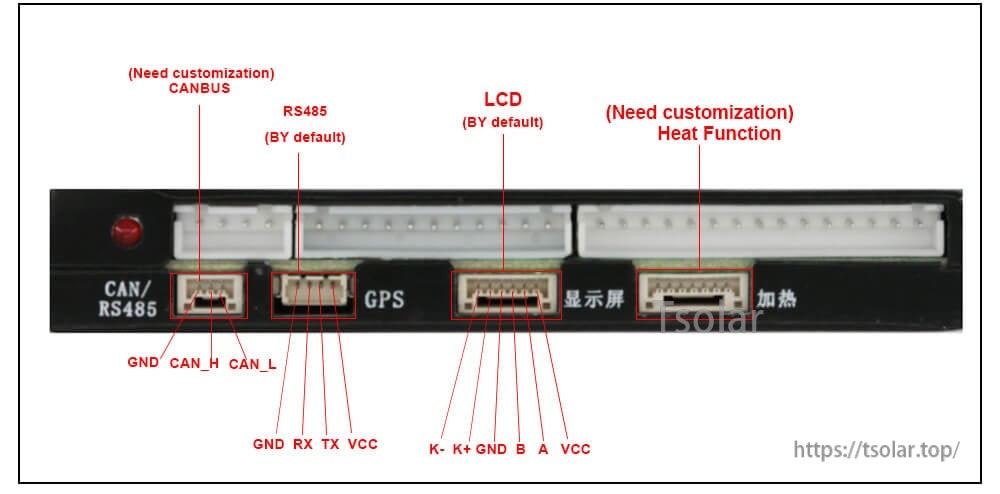
Reference: Connector Labeling on Compatible BMS Port
- CANBUS (Need customization): GND, CAN_H, CAN_L
- RS485 (By default): GND, RX, TX, VCC
- LCD (By default): K-, K+, GND, B, A, VCC
- Heat Function (Need customization)
What’s Included
- JIKONG JK17 RS485 to USB USB-TTL cable/adapter, 100mm
Applications
- Connecting a compatible JIKONG/JKBMS RS485 interface to a computer via USB
- BMS communication setup and troubleshooting where RS485-to-USB access is required
For compatibility questions or after-sales support, contact https://tsolar.top/ or service@tsolar.top.
Details
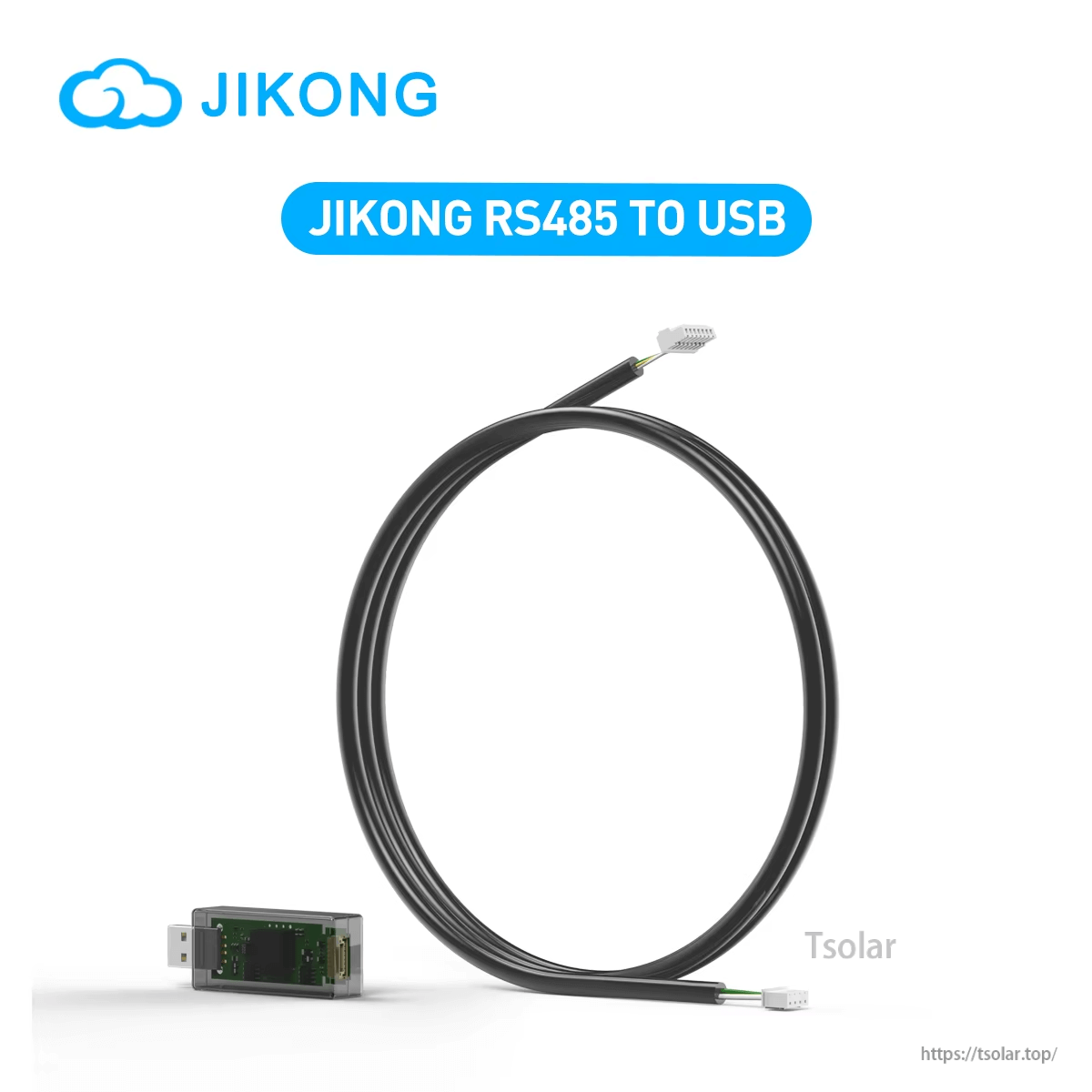
Use the JK17 RS485-to-USB adapter cable to connect a compatible JIKONG/JKBMS RS485 port to a computer for communication and data access.
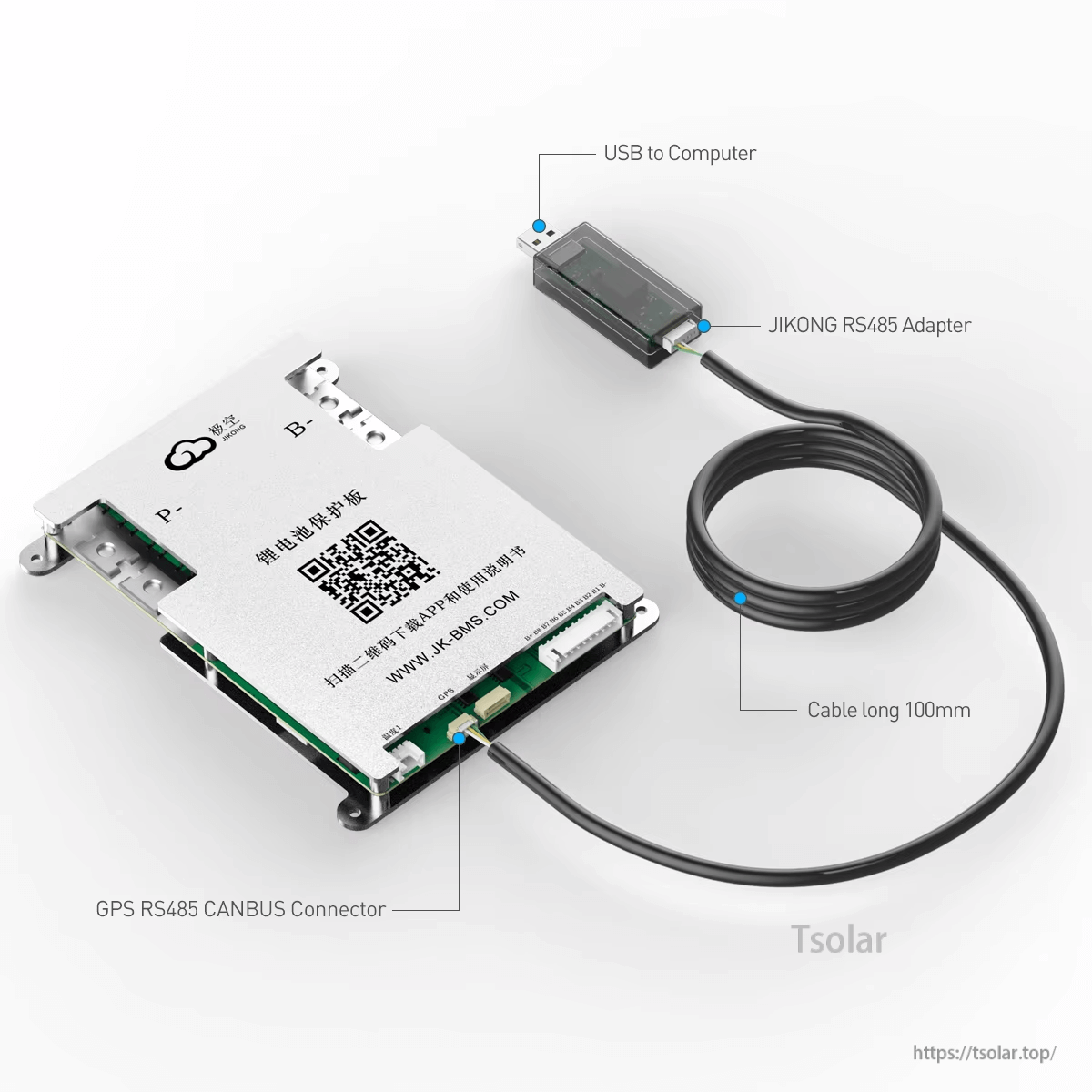
Clear port labeling helps match the USB side to the computer and the other end to the GPS/RS485/CANBUS connector on compatible hardware.
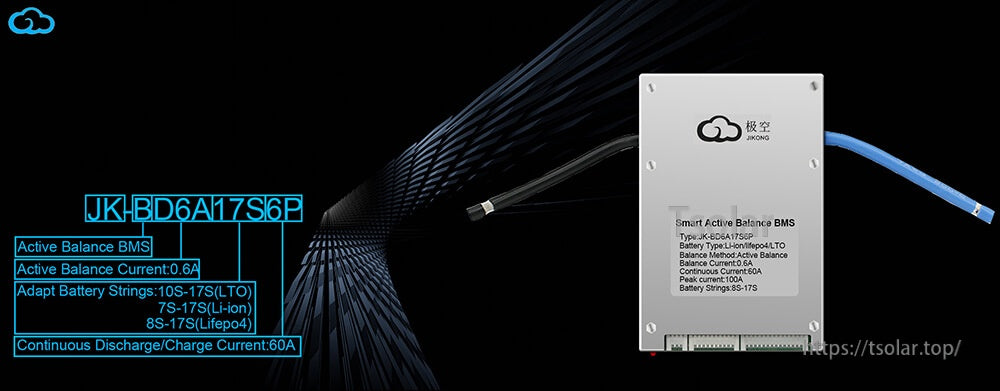
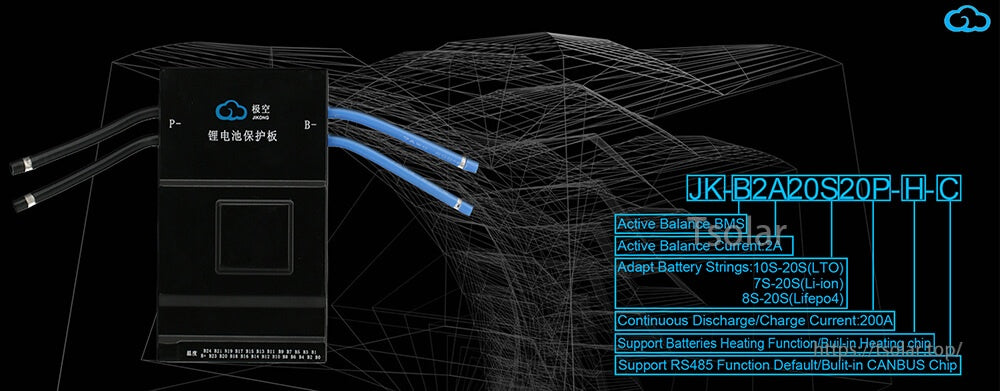
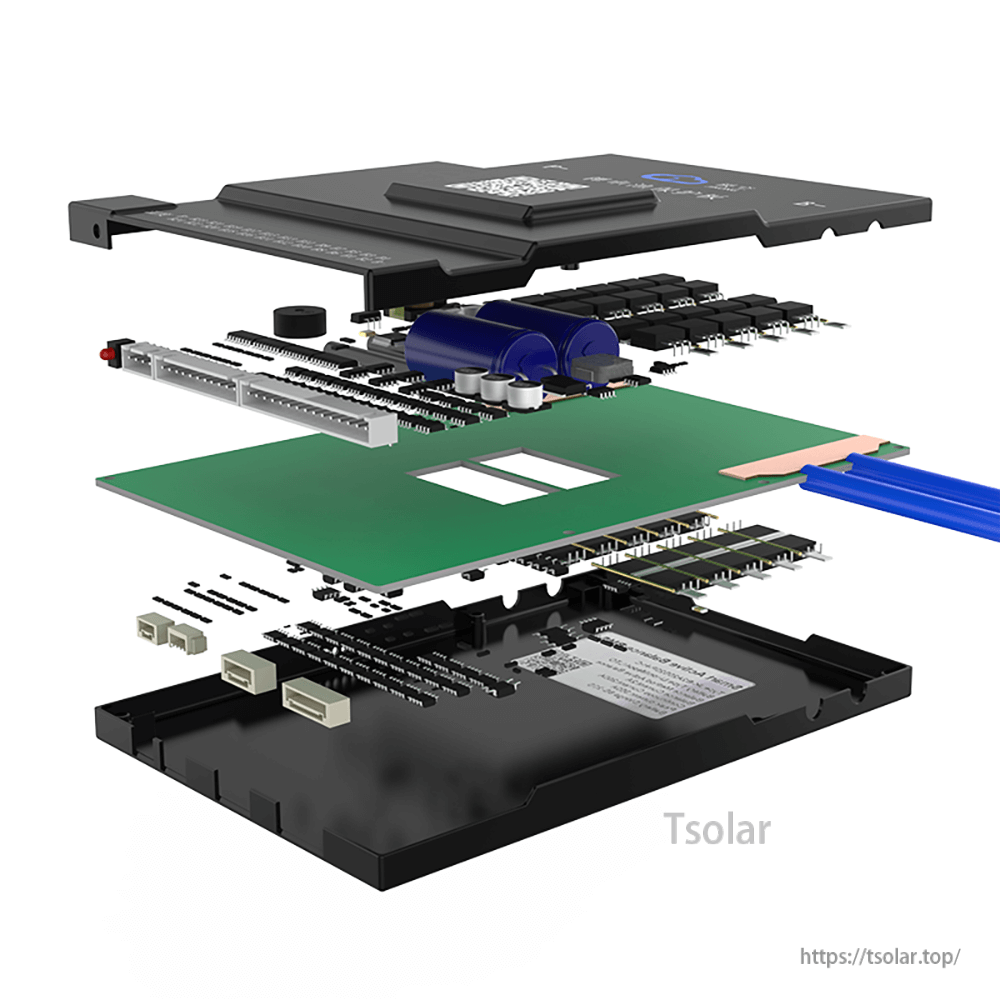
Match the adapter to the RS485 pins/connector on your BMS before connecting to a PC.